UI laws
Hick's Law for B2B websites: fewer choices, more demos
Every extra link in your nav and every extra button in your hero makes the decision a little slower. Here's how to cut without losing anything important.
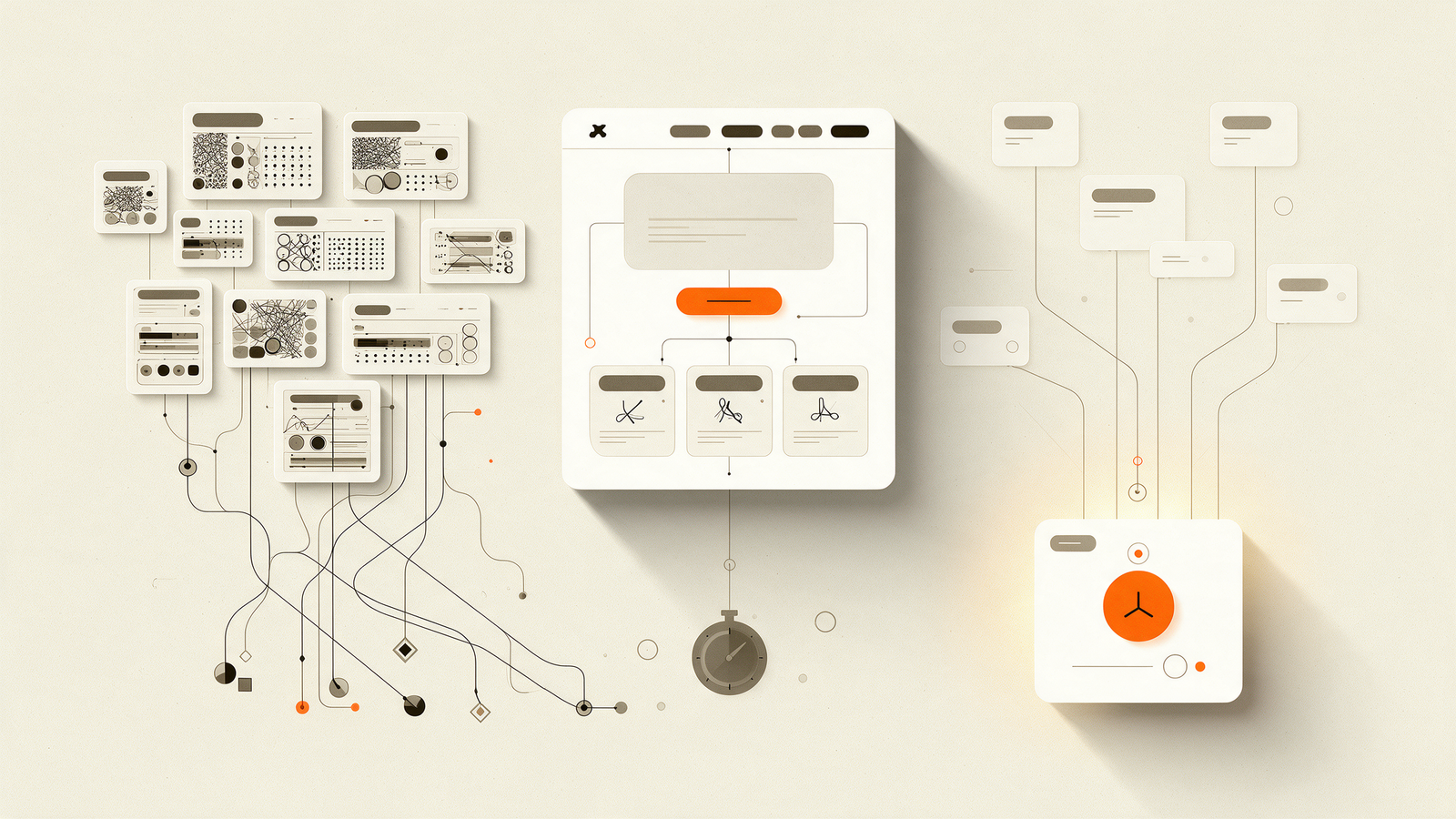
Hick's Law says the time it takes to make a decision goes up as the number of choices goes up. It comes from 1950s psychology experiments by William Edmund Hick and Ray Hyman, and it's one of the most useful ideas in interface design because it's so easy to see in practice.
Open most B2B SaaS websites and count the top-level navigation items. Eight, ten, sometimes twelve. Solutions, Platform, Products, Resources, Company, Partners, Pricing, Blog, Contact, Login, and a button. Each one is a small decision the visitor has to make before they can do the thing you actually want.
Where Hick's Law shows up on your site
- Navigation with more than five or six top-level items
- Hero sections with two or three equally loud buttons
- Pricing pages with too many tiers or too many toggles
- Forms that ask for everything at once
- Footers that repeat the entire sitemap
How to cut without hiding things
Group, don't delete
You don't need fewer pages, you need fewer choices at each step. A mega menu with clear groups (services, industries, roles) lets someone pick a category first, then a page. Two small decisions are easier than one big one.
Give one action the spotlight
If everything is bold, nothing is. Decide which action matters most on each page and give it the contrast. Everything else can be a text link.
Ask for less, earlier
A demo form with twelve fields is a twelve-step decision. Ask for what you need to reply well, and collect the rest on the call.
A quick audit
Go through your five most visited pages and count the clickable options above the fold. Then ask: which one do we actually want people to take? If the answer isn't obvious from the design, it isn't obvious to your visitors either.