Trust
What to put on a security page (and why buyers go looking for it)
For mid-market and enterprise deals, the security page is often read by the person who can quietly kill the deal. Here's what it needs.
.png)
Somewhere in every B2B deal there's a person from IT, security or legal who never joins the demo but has to sign off. They don't read your homepage. They look for your security page, and if they can't find one, they send your team a questionnaire and the deal waits.
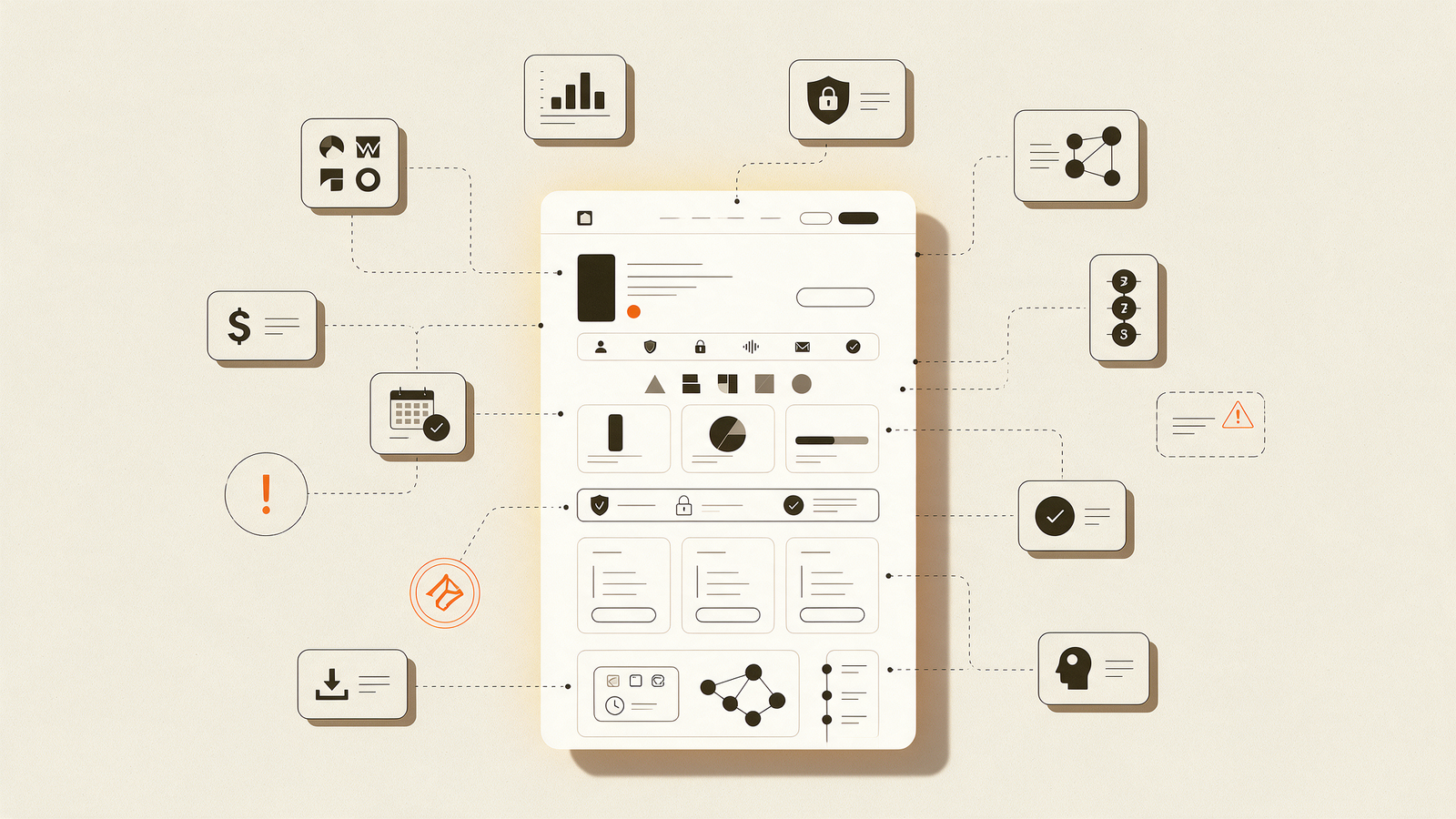
A good security or trust page answers their questions before they ask, and it signals that you take the topic seriously. Here's what to include.
The essentials
Certifications and status
SOC 2, ISO 27001, PCI DSS, HIPAA or whatever applies to your market. Be exact about status: completed, in progress, or planned. "SOC 2 Type II in progress, expected Q1" is more credible than a vague badge.
Data handling in plain language
- What data you collect and why
- Where it's stored (region and provider)
- Who can access it internally
- How long you keep it and how to delete it
- Whether customer data is used to train any models
Privacy law coverage
Say which laws you comply with for the regions you sell into, such as GDPR in Europe or India's Digital Personal Data Protection Act, 2023, whose rules were notified in November 2025 with a phased timeline.
Access and infrastructure
SSO, role-based access, encryption in transit and at rest, backups and uptime commitments. Keep it short and link to deeper documentation for people who want it.
Someone to contact
A named security contact or a dedicated email address. Add a responsible disclosure policy if you're a technical product.
Where to link it from
Put it in the footer, on the pricing page and on any enterprise or "for IT" pages. The goal is that a champion can forward one link to their security team and move on.